An air conditioner remote that appears unresponsive can have a simple explanation, but not every control problem is a battery problem. The remote, its settings, the indoor receiver and the equipment itself all affect the result. Start with the normal owner checks in the correct manual.
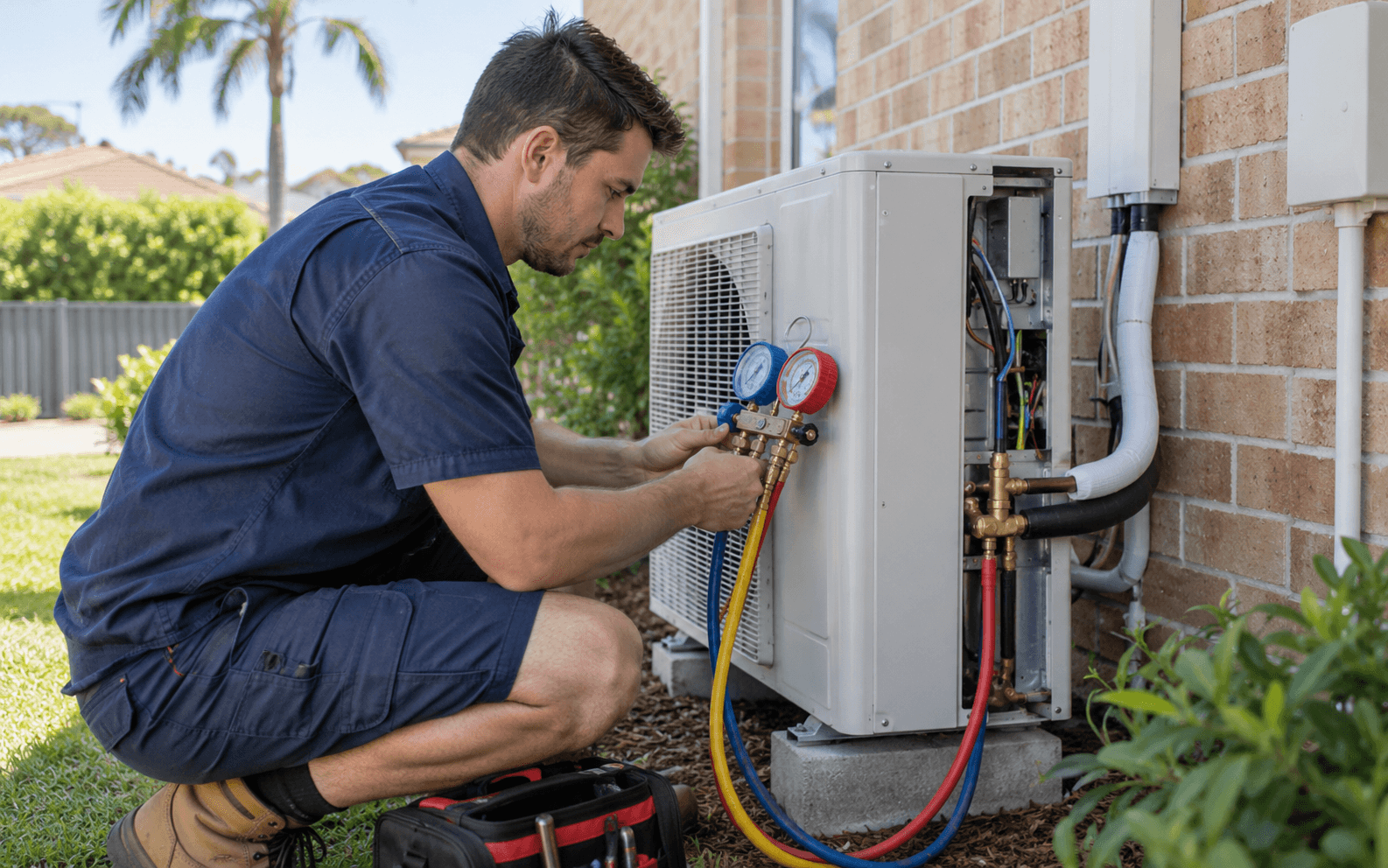
Avoid opening the unit or electrical sections to test a receiver. DEZ Group can discuss a repair assessment if the permitted checks do not resolve the issue or the equipment shows another fault.
Check the batteries and remote condition
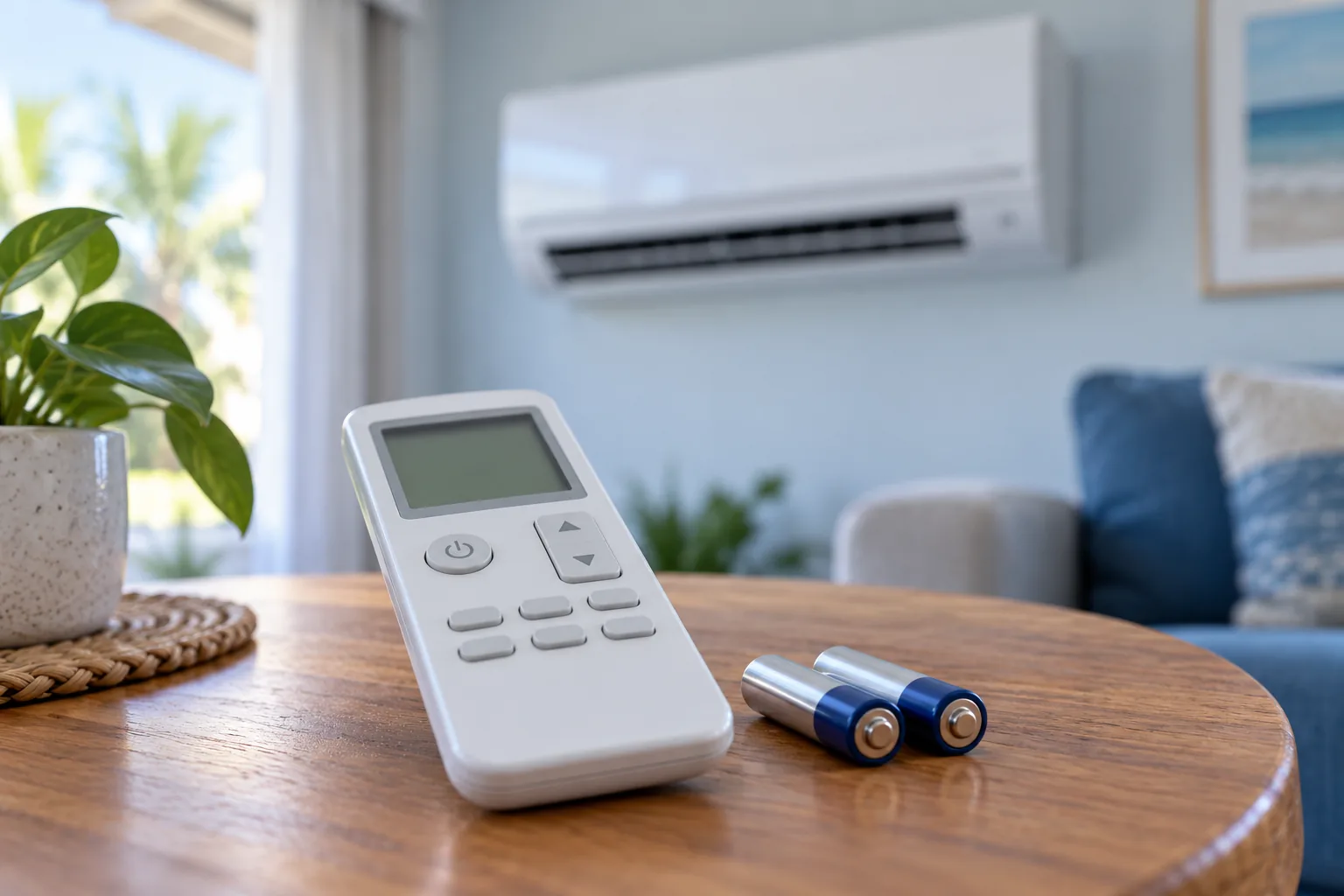
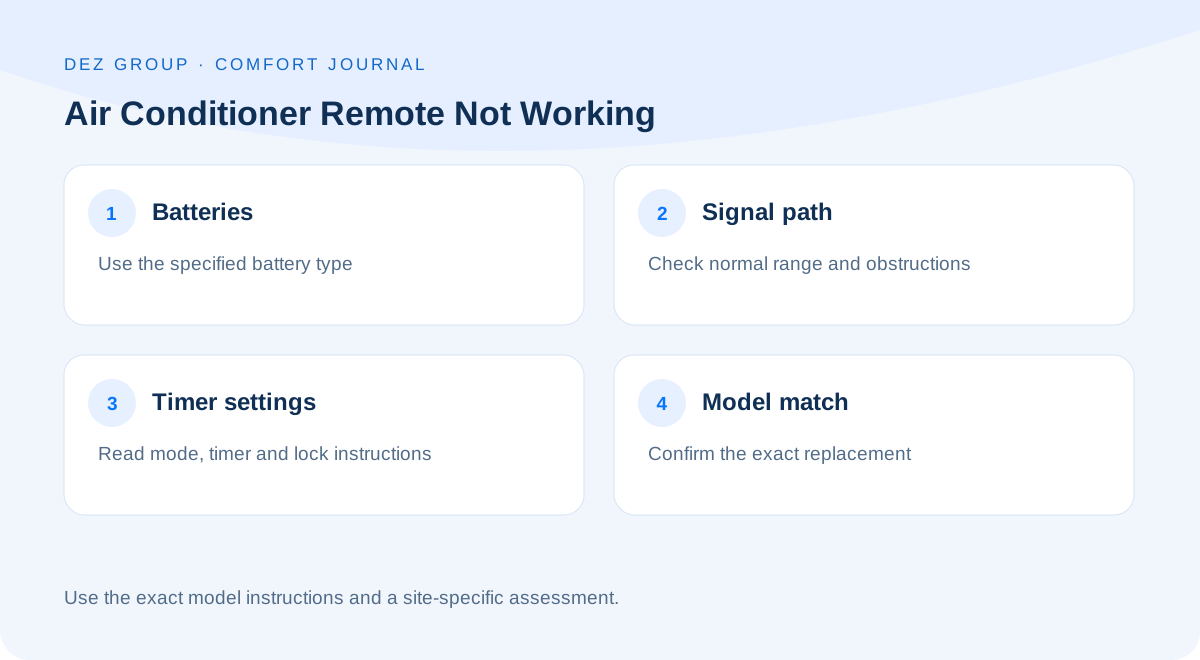
Fit the battery type and polarity specified by the manufacturer. Replace batteries as a set where the instructions require it and check that the compartment is clean and dry. If batteries have leaked or the remote is damaged, follow appropriate handling advice rather than trying to scrape or bridge contacts.
A visible display does not always prove the remote is transmitting correctly. Equally, a blank display may relate to batteries, settings or a remote fault. Use the manual's troubleshooting guidance instead of assuming one visual sign establishes the diagnosis.
Check the signal path and normal controls
Stand within the recommended operating range and ensure there is a clear path to the indoor unit where the controller uses infrared. Curtains, furniture or an obstructed receiver area can matter. Do not climb or reach into the unit to expose a receiver.
Some installations use wired, wireless or networked controls with different operating principles. Check which controller actually belongs to the system. An internet guide for a handheld infrared remote may be irrelevant to a ducted wall controller or an app-based arrangement.
Review mode, timer and lock settings
A selected mode may not provide the response you expect. Fan-only mode does not cool, and automatic or dry modes can behave differently from a direct cooling request. Timers and child-lock features can also make a controller seem unresponsive.
Read the model's descriptions before changing several settings at once. Make one permitted change at a time and allow for any normal startup delay described in the manual. Our guide to dry mode versus cool mode explains why a familiar symbol may lead to a different operating pattern.
Distinguish a remote issue from a system fault
Notice whether the indoor unit gives its normal acknowledgement and whether indicators show a fault. Record any displayed code exactly rather than translating it through a generic internet list. A code can have different meanings between brands, model families and controller versions.
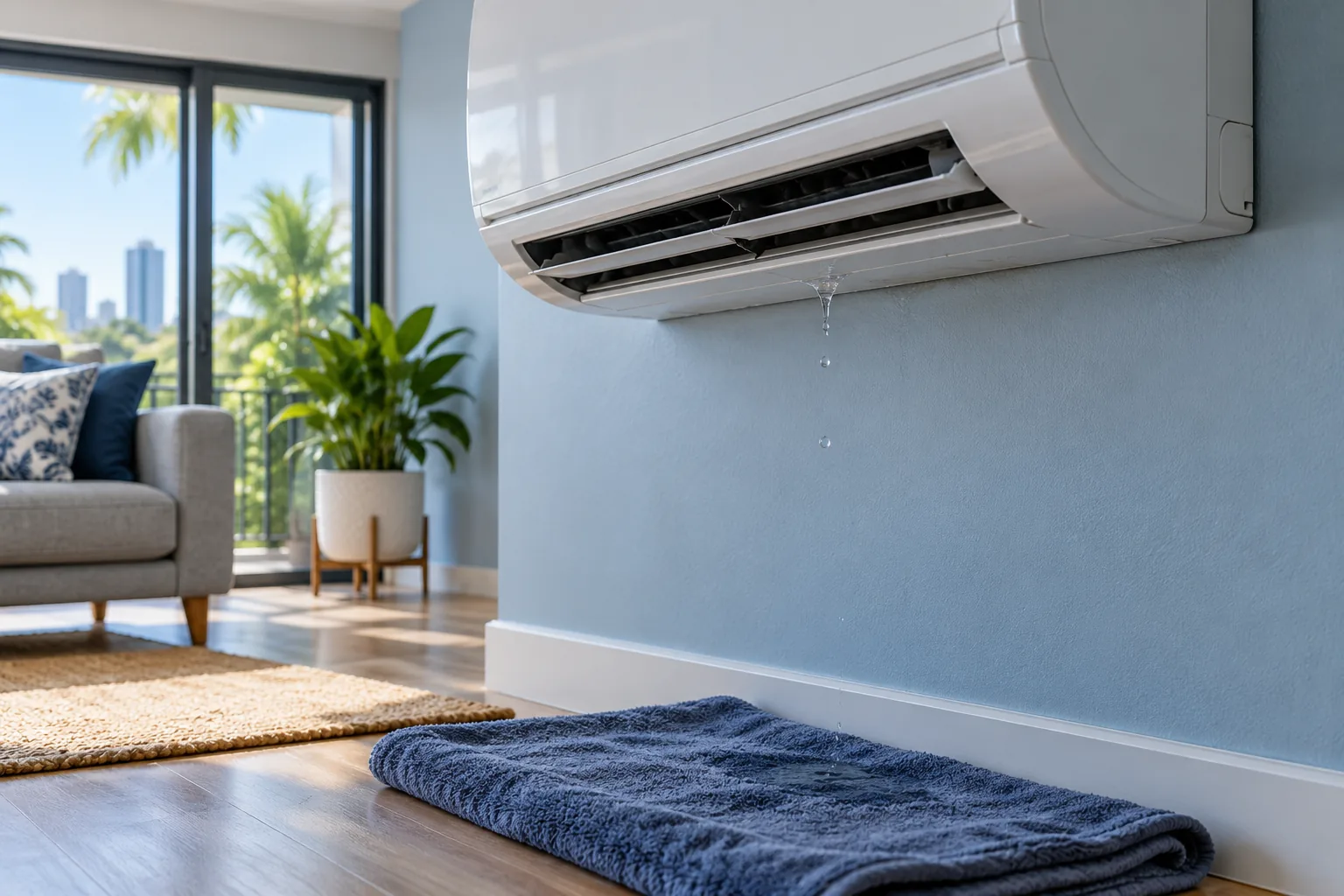
Do not repeatedly interrupt electrical supply to force a response. If the system is also tripping a breaker, leaking water or producing an electrical smell, report that first. Those symptoms change the scope of the enquiry.
Confirm compatibility before buying a replacement
A remote that looks the same may not support the same functions or signals. Universal controls may have limitations, and a replacement should be checked against the exact equipment. Record the indoor model and any controller model information that can be read safely.
Use the manufacturer's support resources for the relevant brand and model. Avoid choosing a part solely from a product photograph. If a controller needs configuration or installation beyond the manual's owner instructions, arrange the appropriate help.
Make the support enquiry specific
Tell the team whether the display works, whether the unit acknowledges commands and which permitted checks you completed. Include the exact model, controller details and any error indication. Mention whether an app or another controller still operates the equipment.
Contact DEZ Group for air conditioning support in Brisbane. A clear account can help determine whether the next step concerns the controller, equipment diagnosis or a compatible replacement. For ongoing care once the control issue is resolved, keep the operating manual with your service records.
Common questions
Can I use any remote from the same brand?
No. Compatibility depends on the model and control system. Confirm the exact replacement rather than relying on the brand name alone.
Should I press every button to reset it?
Follow only the reset or troubleshooting procedure described in the correct manual. Random combinations can change settings and make the original issue harder to explain.
Does no response prove the indoor receiver has failed?
No. Batteries, the controller, signal path, settings and equipment faults can overlap. A suitable assessment is needed if the normal owner checks do not resolve it.